Choose a design
There are two designs to choose from. Both have the same friendly wording, "Share your memories with us" and "Scan to share your photos", with your QR code on a clear white square.
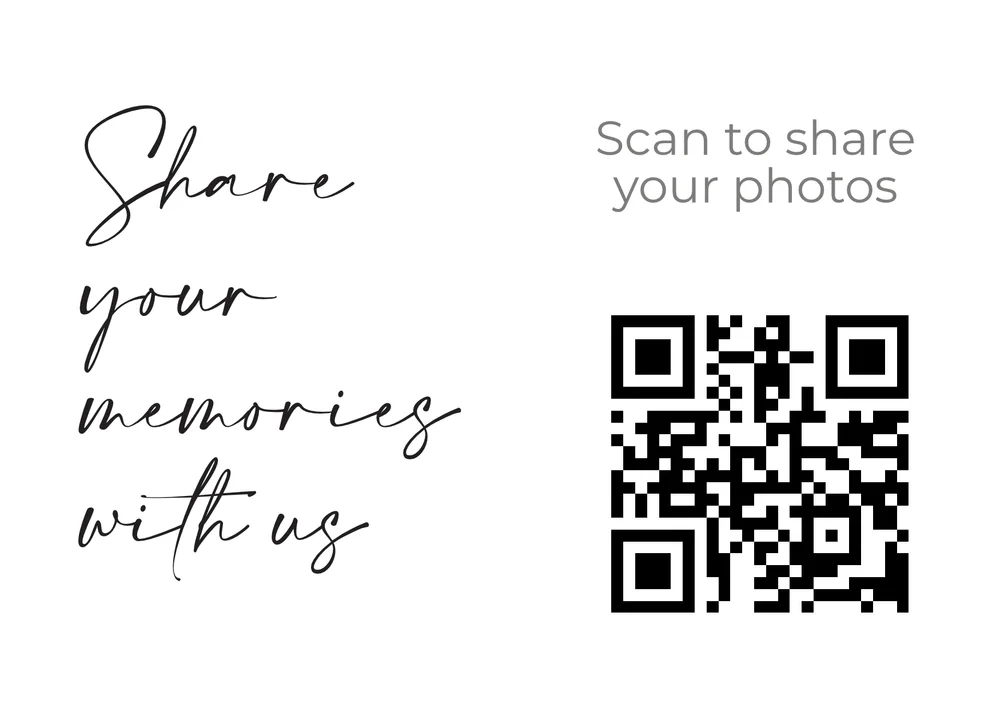
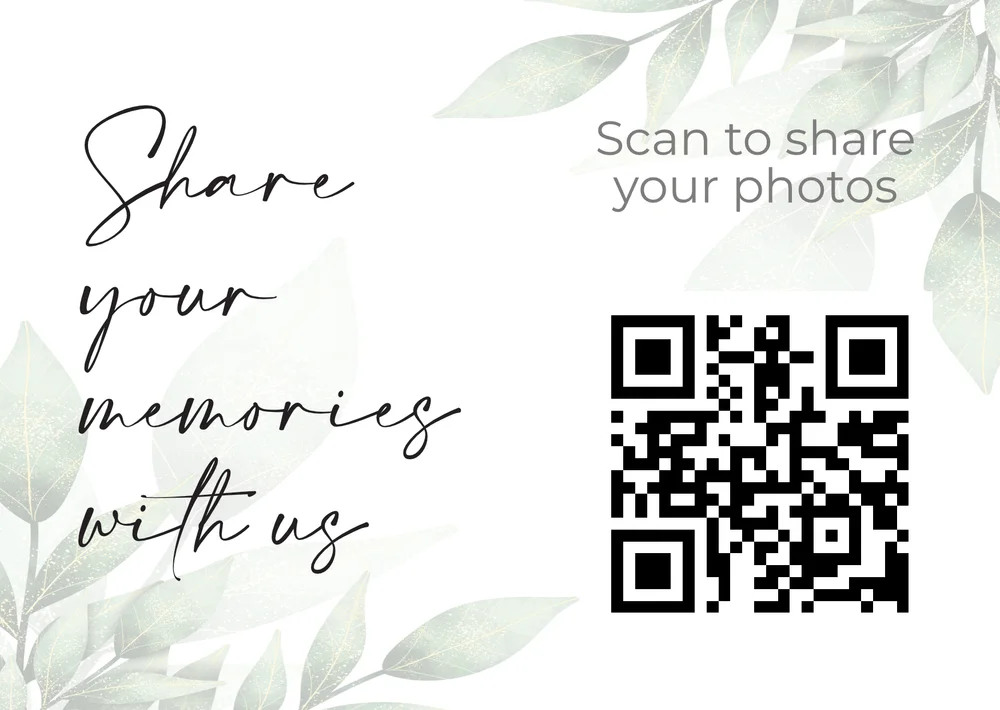
The QR codes in these pictures are samples. When you download a card from your dashboard, it has your own gallery's QR code on it.
What you download
A tent card (PDF)
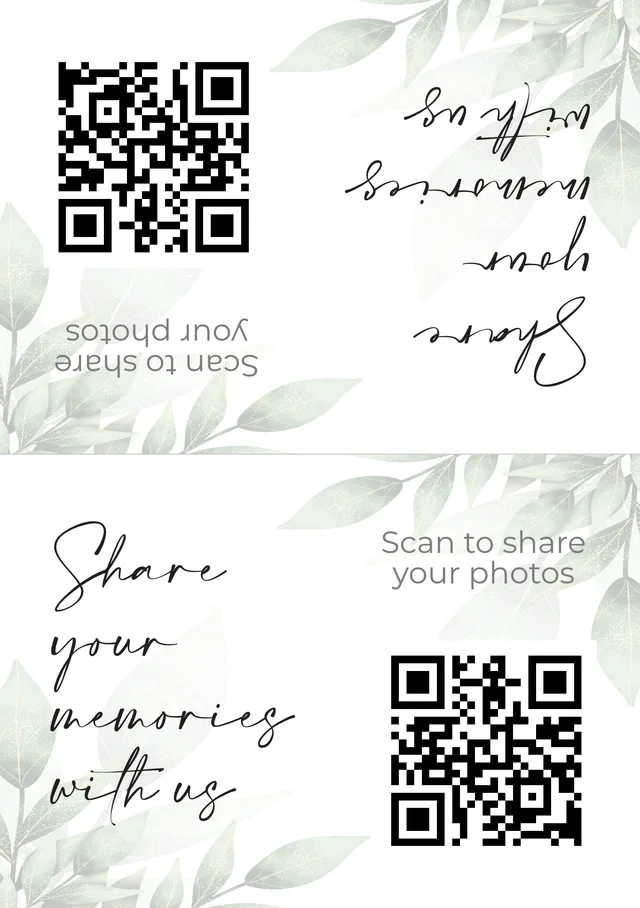
This is the one most couples want. It's an A5 page with the design on both halves, and the top half is printed upside down. Fold it along the middle and it stands up on the table as a tent. The QR code shows on both sides, so guests on either side of the table can scan it.
A single card (image)
If you'd rather use a frame, a card holder or an invitation insert, download the single card as an image instead. It's the same A6 landscape design, 148 x 105 mm.
How to get your table cards
- Create your gallery. Sign up free. Your upload link and QR code are ready straight away.
- Open your dashboard. Click "QR Code", then "Table cards".
- Pick a design. The preview shows the card with your own QR code on it.
- Download it. Choose the tent card PDF, or the single card image.
- Print and fold. See the tips below.
How to print and fold your tent card
- Use card, not paper. Card stock of about 250 to 300 gsm stands up much better than ordinary printer paper.
- Print on A5 at 100%. In the print window, choose "actual size" or 100% rather than "fit to page", so the card keeps its true size and the QR code stays crisp.
- At home or at a print shop. A home printer is fine. Or send the PDF to a print shop and ask for A5 on card.
- Fold along the middle. There are small grey marks at both edges to show where the fold goes. Press the crease with a ruler for a neat edge.
- Test before you print lots. Scan one printed card with your phone, in normal room light, before you print one for every table.
- One card per table, plus spares. Every card has the same QR code, and everything goes into the same private gallery.
Why table cards work
Guests sit down at some point, and their phone is usually in reach. A card right in front of them is the most natural time to ask for a photo upload. For more ideas on wording and placement, read our guide to wedding photo QR code ideas, or see how free wedding photo sharing works for your guests.
Want a QR code for something else, like your wedding website or invitations? Make one with our free QR code generator.
Frequently asked questions
Are the wedding table cards really free?
Yes. Table cards are included on every AllShare plan, including the free plan. You need a free AllShare account because the QR code on your card is unique to your gallery.
What size are the table cards?
The tent card is printed on an A5 sheet (148 x 210 mm) and folds to 148 x 105 mm. The single card image is the same size, A6 landscape.
Can I add our names or change the wording?
Not at the moment. The wording is part of each design, so what you see in the preview is what you get.
Do I need a printer at home?
No. You can print at home on A5 card, or send the PDF to a print shop and ask for A5 on card stock.
Will the QR code scan reliably?
The QR code sits on a clear white square about 4.7 cm wide, which phone cameras read easily. Scan a printed copy with your phone before you print a lot of cards.
Should every table have the same QR code?
Yes. Your gallery has one QR code, so print the same card for every table. All the photos go into the same private gallery.
Ready to print your table cards?
Create a free gallery in under a minute, then download your cards from the dashboard.
Create your free wedding gallery