What is a QR Code and How Can It Make Sharing Your Event Photos Easier?
You've created your AllShare gallery and have the perfect link to share with your guests for uploading photos. But asking everyone to type out a long web address on their phones can be awkward and prone to mistakes. Enter the QR code – your simple solution for instant sharing. 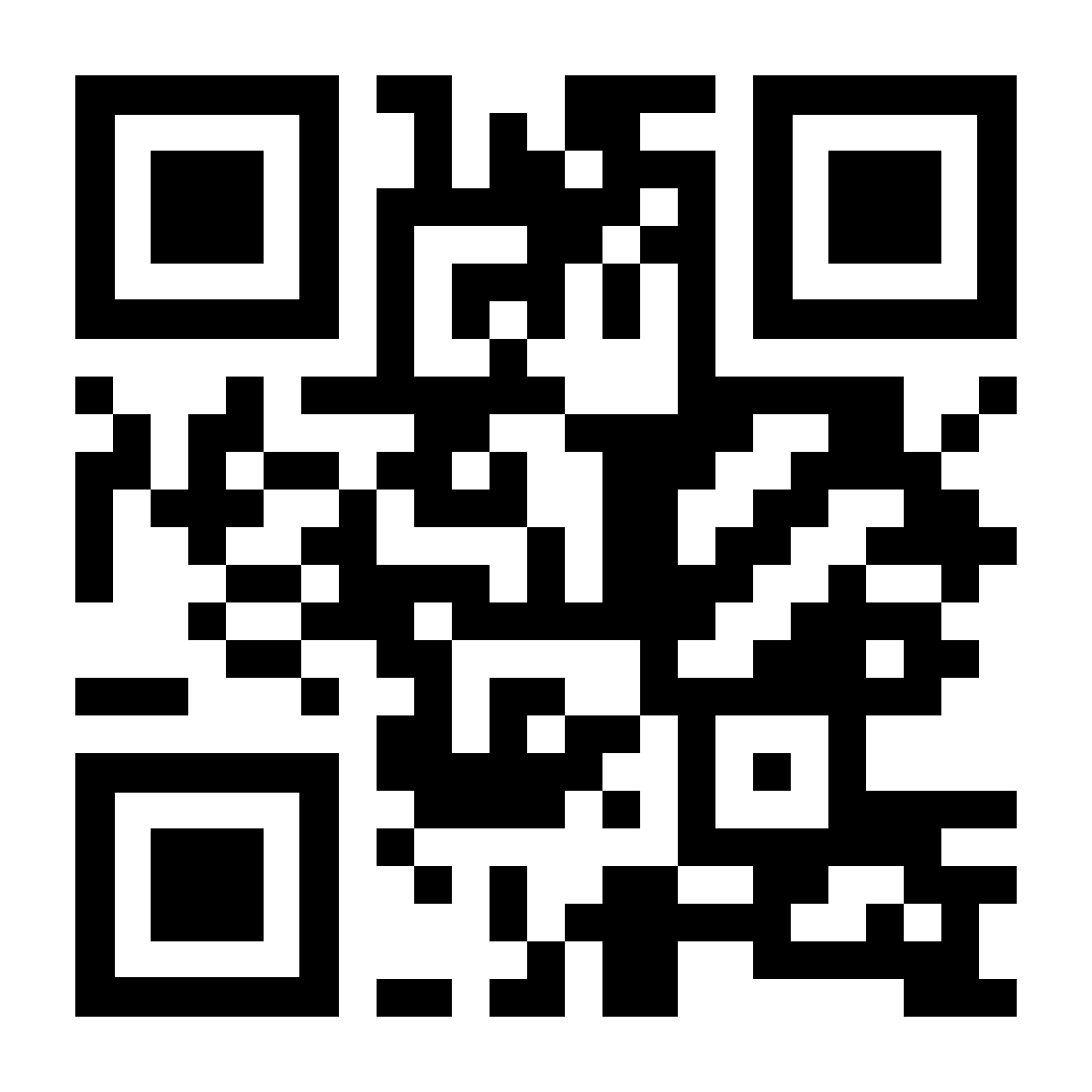
Simply use the QR image and share it with your friends and family
The share url and the QR code do the same thing, users can use the link to share their photos with you or simply scan the QR using they mobile phone camera.
So, What Exactly is a QR Code?
A QR code stands for "Quick Response" code. It looks like a random square made up of tiny black and white dots. Don't let its simple appearance fool you – it's a powerful little tool for storing information digitally.
Think of it like a digital shortcut or a visual URL. Just like clicking a link on a computer takes you somewhere, scanning a QR code with a smartphone camera instantly takes you to a specific destination – usually a website or, in your case, your unique AllShare upload page.
How Do QR Codes Work?
Using a QR code is incredibly simple, especially for your guests:
- Display the Code: You print the QR code (perhaps on a card or poster) or display it on a screen at your event.
- Point & Scan: Guests simply open their smartphone's camera app (most modern phones have this built-in capability, sometimes requiring a tap on a specific icon like a magnifying glass or QR symbol).
- Instant Access: The camera recognizes the code and automatically prompts the user (often with a notification or a clickable link) to open the linked website – which is your AllShare upload page!
No typing, no searching, no confusion. It's literally point, scan, and go.
Why Use a QR Code for Your AllShare Link?
Using your AllShare QR code offers clear benefits over sharing a long text link:
- Speed: Scanning is significantly faster than typing a URL, especially on a small phone keyboard.
- Accuracy: Eliminates typos and the frustration of an incorrect link.
- Simplicity: Requires minimal effort from your guests. Just point and scan.
- Universal: Works on virtually all smartphones with cameras and standard operating systems (iOS, Android).
- Visual Cue: Makes sharing your upload link more noticeable and intentional at the event.
Your AllShare QR code is a direct gateway to your event's photo gallery. It turns the act of sharing the upload link into a single, effortless action for your guests.
Customize Your QR Code (Optional)
While the basic QR code is functional, did you know you can often customize it to match your event's style? There are many websites (third-party QR generators like Code Monkey) that allow you to add your event's colors, logo, or a subtle background image while keeping the essential scannable pattern intact. This makes your QR code not just useful, but also a nice touch that fits the aesthetic of your wedding, birthday, or celebration. Just add your share url to the custom QR website of your choice, choose your colours and your done!
You can also make a QR code for any link with our free QR code generator. Pick your colours and size, then download it as a PNG, with no sign-up needed. Planning a wedding? See our wedding photo QR code ideas for wording and placement tips.
Where Should You Display Your QR Code?
Place your printed or digital QR code where guests are likely to see it and need to upload photos:
- On table cards or welcome signage (AllShare has free printable table cards in your dashboard)
- Near the guest book
- Projected on a screen during the event
- Attached to your invitations or escort cards
- Handed out as small printed cards to key attendees
Make Photo Sharing Effortless
QR codes are a brilliantly simple technology that bridges the physical and digital worlds. By using yours linked to your AllShare gallery, you remove the friction of sharing a complex web address. Your guests can focus on enjoying the event and capturing memories, knowing that sharing those photos is just a quick scan away.
Ready to Simplify Photo Sharing?
Next time you're setting up your AllShare gallery, don't forget about your handy QR code. It's the easiest way to ensure your guests can instantly find the upload page and contribute to your collection of event memories.
Create Your Event Gallery Now
We generate your unique link and QR code automatically.
Found in your personal Dashboard