Easy Event Photo Sharing
Guests can easily upload their photos and help you capture every beautiful moment from your special event.
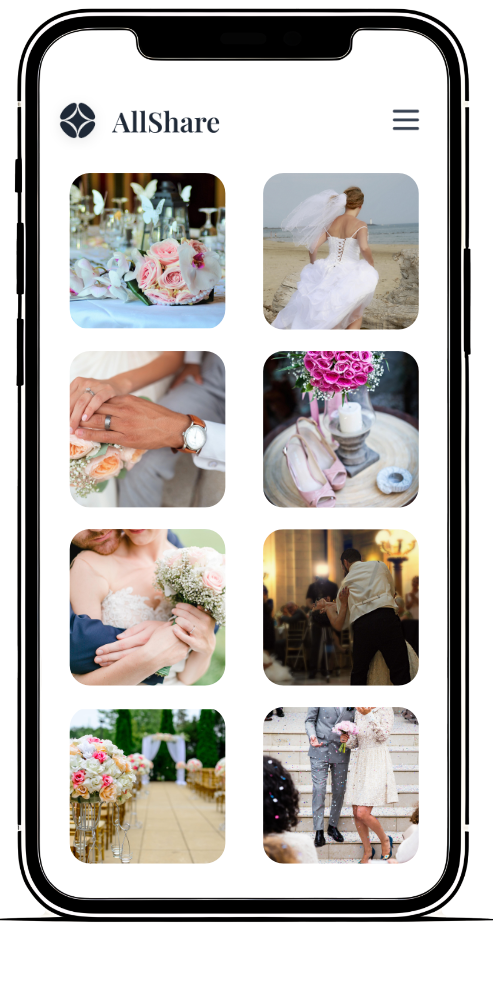
Guests can easily upload their photos and help you capture every beautiful moment from your special event.
From scan to shared gallery in three simple steps — no app required.
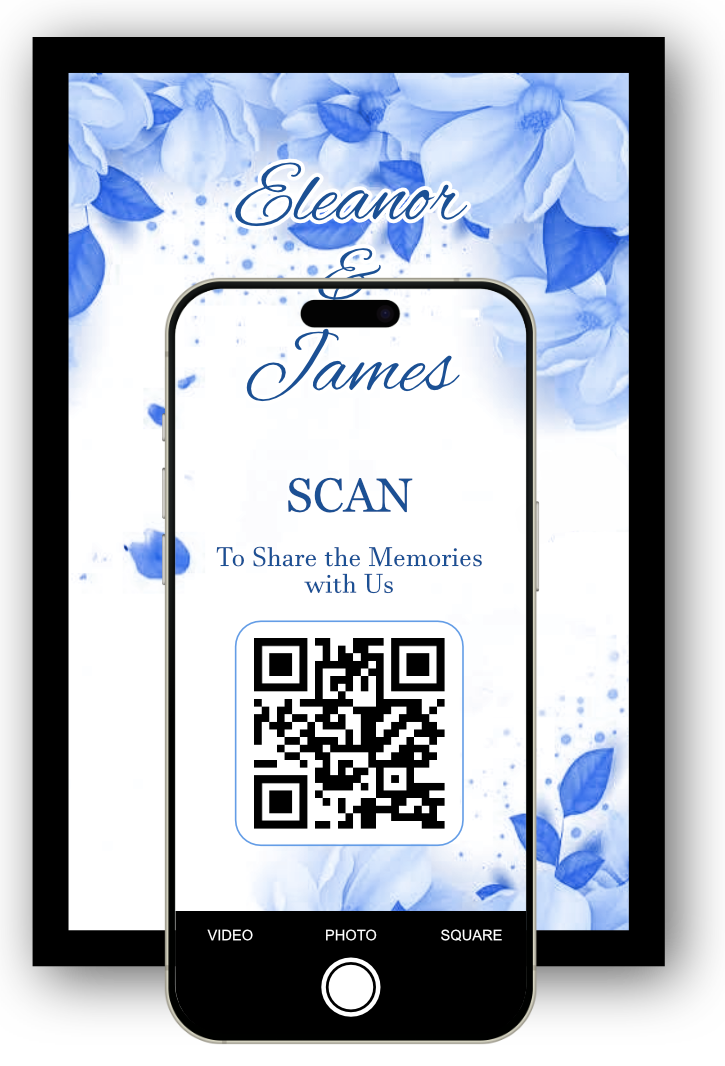
Guests simply scan your event's QR code with their phone camera — no app to download, no account to create.
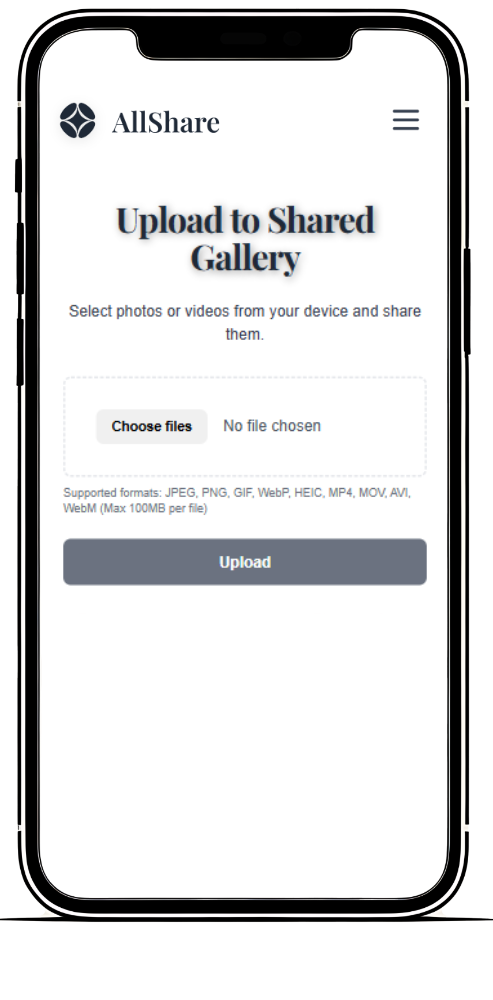
They pick their favourite photos and videos from their camera roll and upload them straight into your private gallery.
View every photo as it arrives, then download the entire gallery in one click to keep forever.
Easily collect and share birthday, wedding, or party memories in one private gallery, from every guest's perspective.
Simple, free event photo sharing features designed to capture every single moment.
Your guests simply scan a QR code or click a secure link. Works instantly on any iPhone, Android, or desktop browser without forcing downloads.
Create your private gallery in under a minute. Our 100% free plan lets unlimited guests upload photos, up to your plan's storage limit, without needing an account or login.
Avoid social media compression artifacts. AllShare preserves original resolution, keeping every photo crisp, clear, and perfectly high-quality.
Save hours chasing people down. Use our one-click bulk download tool to save all images and media files directly to your device.
You control visibility. Choose whether guest uploads remain private to the host or are instantly shared across the entire digital event timeline.
Play your gallery like a movie. Auto-advance through photos at your own pace or step through manually - perfect for a screen at the event itself.
Storage estimates below assume an average smartphone photo (~3MB) - videos will use more space.
From intimate gatherings to grand celebrations
Capture every moment
Celebrate in style
Re-live the night
Memories forever
Whether it's a wedding, birthday, hen do, stag do, graduation, or work party, AllShare gives every guest a way to add their photos and videos to one shared gallery — no group chat photo dumps, no guessing who has the best shots. Just share your link or QR code and the memories start rolling in.
A few things people usually ask before getting started
No. Guests just open your link or scan your QR code and upload directly — no app, no account, no login.
It depends on your plan: 7 days on Free, 3 months on Bronze, 6 months on Silver, or 12 months on Gold. You can download everything anytime during that period.
Yes — AllShare works on any smartphone or tablet, and HEIC photos from iPhones are converted automatically.
Yes. Your dashboard has free printable table cards with your own QR code already on them. Download a tent card to print on A5 card and fold, or a single card as an image.
Create your photo sharing gallery in under a minute